
Download VidLogo – Video Watermarking Tool, Mobile App, Utility, Productivity
Overview
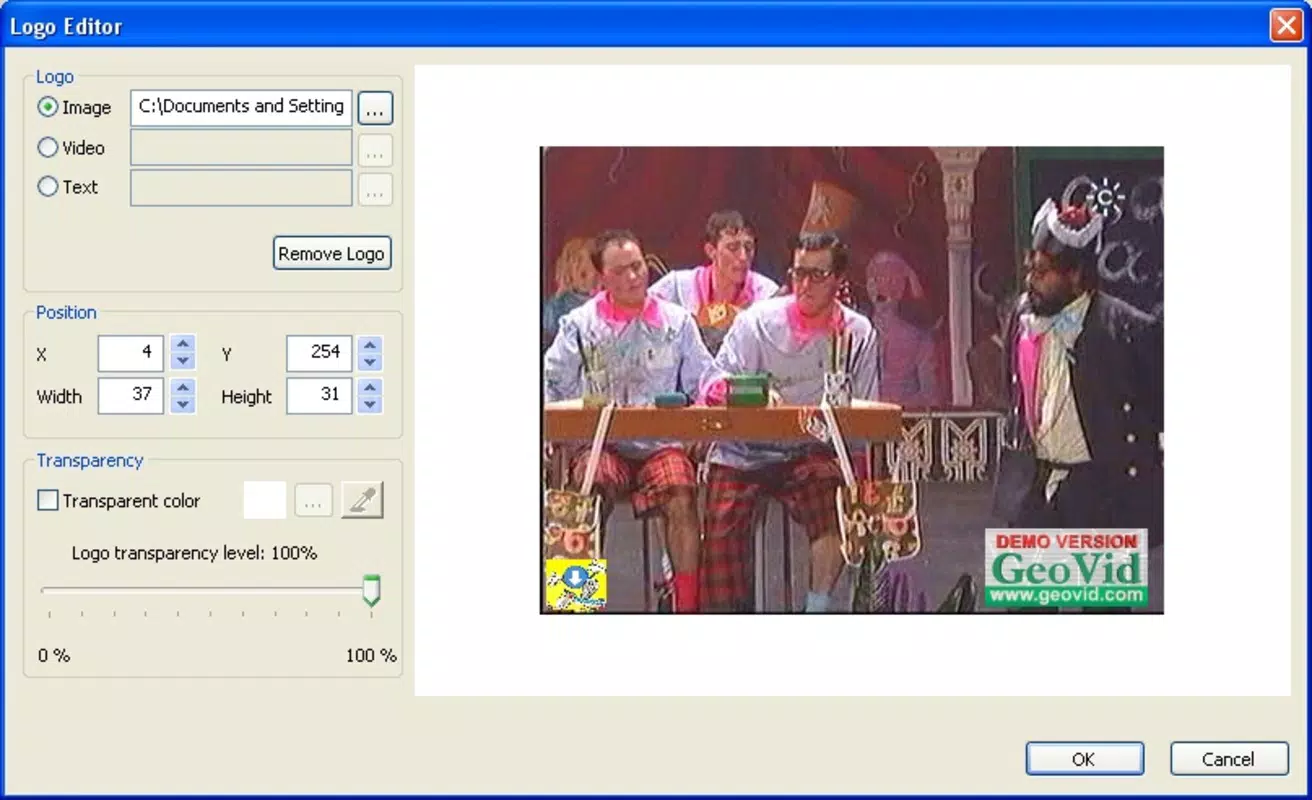
VidLogo is a specialized mobile application designed for individuals involved in video creation and editing, particularly those aiming to protect their work and enhance authorship recognition through watermarking. The app enables users to embed various types of watermarks—images, short videos, or text—into their video content, ensuring that their creative efforts remain identifiable. This functionality is especially valuable for content creators, YouTubers, social media influencers, and independent filmmakers who frequently share videos across platforms where unauthorized reuse is common.
The app addresses a critical need in the digital content ecosystem: the protection of intellectual property. By allowing users to add visible or semi-transparent watermarks, VidLogo helps deter theft and promotes brand visibility. Its support for multiple video formats ensures compatibility with existing video libraries, reducing friction during the editing process. While the developer did not provide additional technical details, the app’s long-standing presence since its release on November 3, 2008, suggests a stable and reliable tool for video watermarking.
Real-world use cases include adding a logo to promotional videos, embedding a signature text watermark in tutorial content, or inserting a short animated watermark for branding consistency. For both novice and experienced users, VidLogo offers a straightforward solution to a complex problem—protecting digital media while maintaining professional quality. Its role in the mobile app ecosystem lies in filling a niche for lightweight, focused tools that deliver precise functionality without unnecessary bloat.
Key Features & Functionality
- Three Watermark Types: Users can apply image-based watermarks (such as logos), short video clips (for animated branding), or customizable text overlays. This flexibility allows for consistent branding across content types.
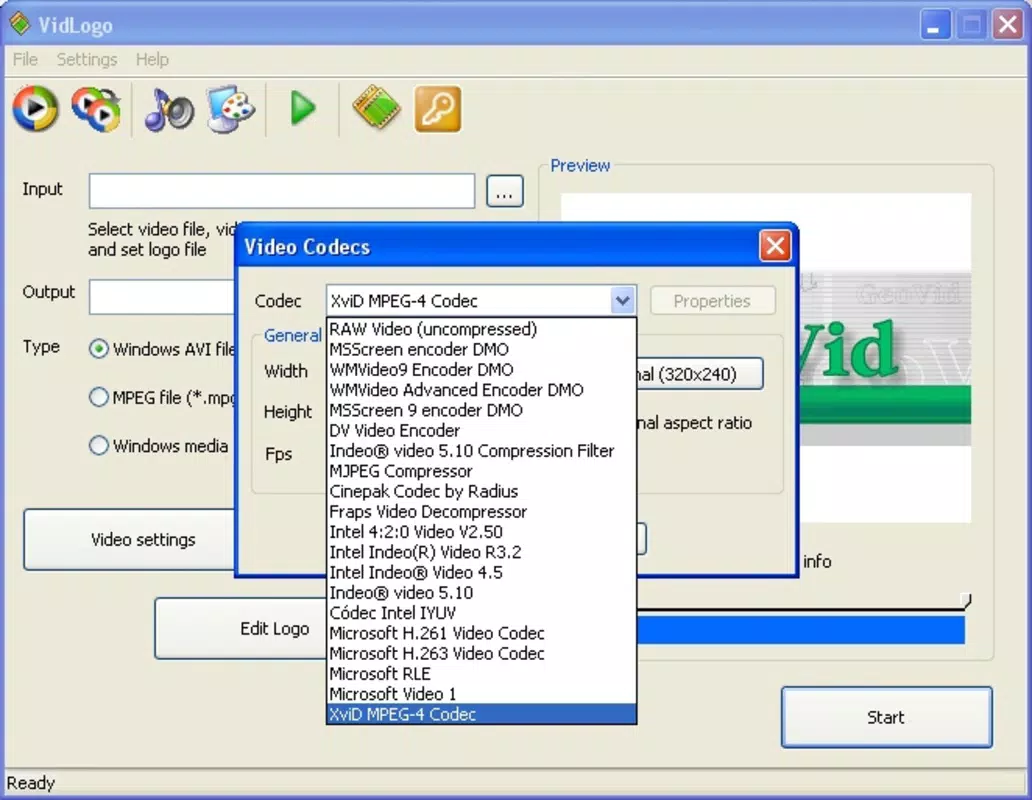
- Universal Format Support: The app supports major video formats including AVI, WMV, ASF, MPEG, and MP4, enabling seamless integration with existing video files regardless of source or platform.
- Customizable Output Settings: Options for adjusting audio and video compression quality allow users to balance file size and visual fidelity, which is essential for optimizing uploads to platforms with strict size or resolution limits.
- Intuitive Editing Workflow: The interface is structured to guide users through the watermarking process step-by-step, minimizing the learning curve for beginners while still offering enough control for advanced users.
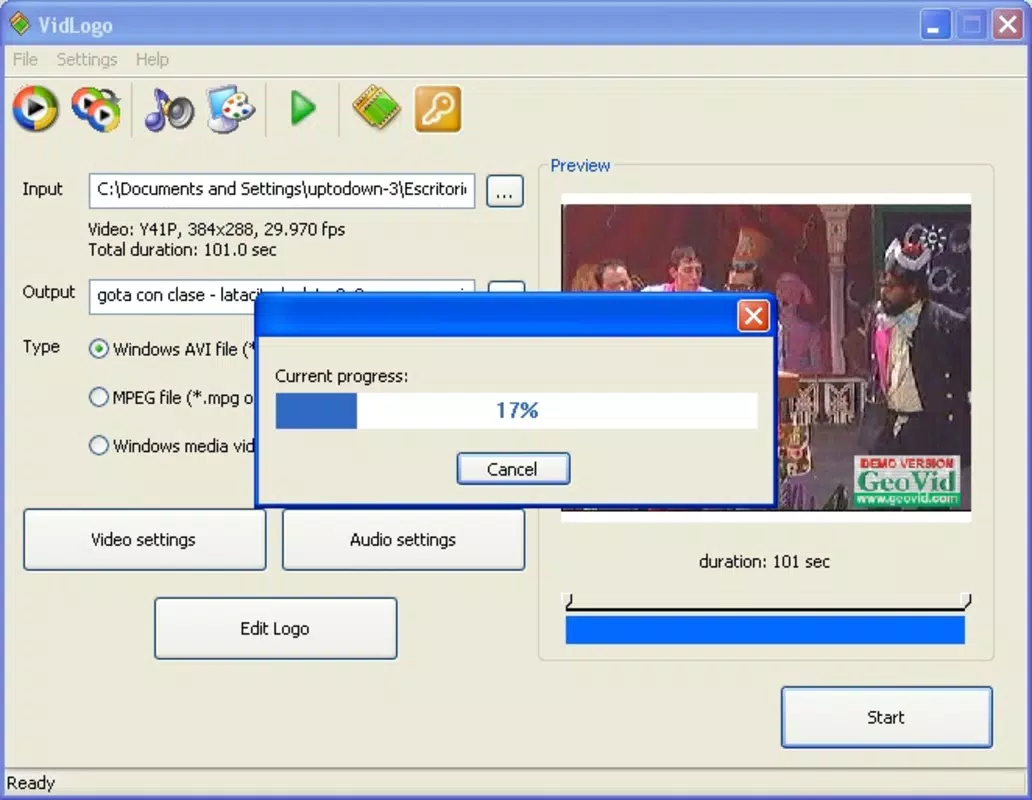
- Efficient Processing: VidLogo is designed to sign videos quickly, reducing the time between editing and publishing—ideal for creators managing high-volume content schedules.
For example, a social media manager could use VidLogo to add a company logo to all promotional clips in under a minute. A student filmmaker might embed a personal watermark in their short films to assert ownership. These use cases highlight how the app’s core features translate into tangible benefits for real users.
Interface, UX & Performance
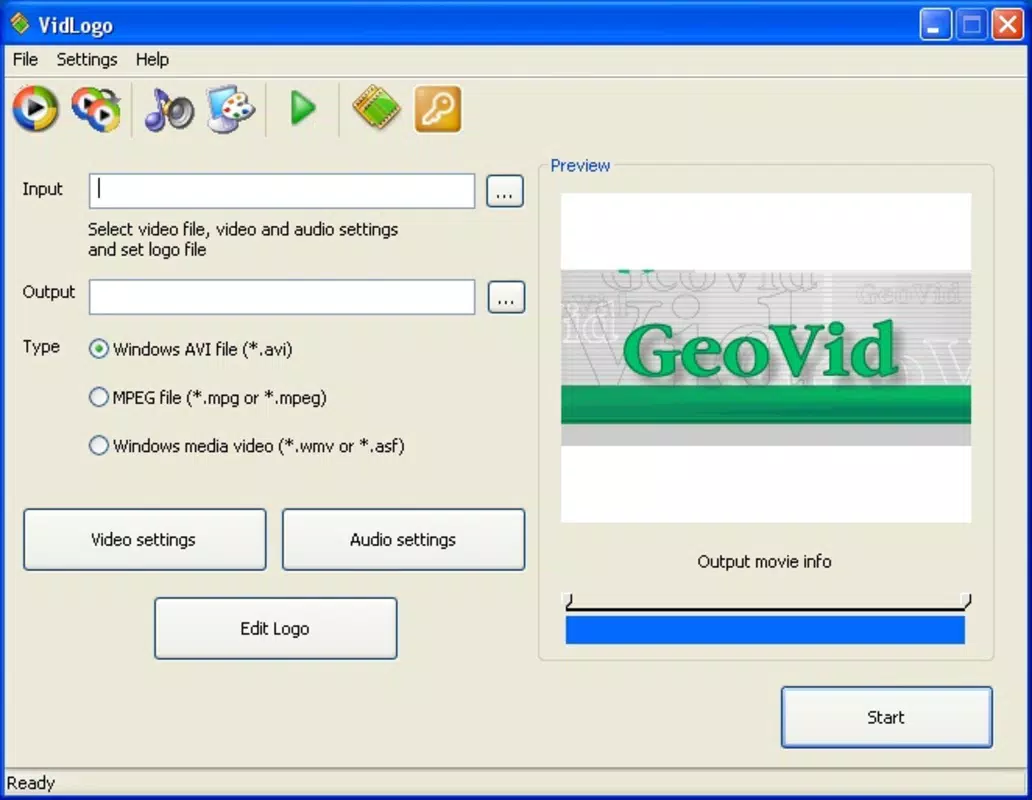
The user interface of VidLogo is designed with accessibility in mind, offering a clean layout that prioritizes essential functions. Navigation is straightforward, with clearly labeled sections for file import, watermark selection, positioning, and export settings. The visual style is minimalistic, focusing on functionality rather than decorative elements, which contributes to a distraction-free editing experience.
Although the developer did not list formal performance metrics, the app’s long-term availability suggests a stable and responsive operation across a range of devices. Users can expect consistent performance on both older and newer smartphones, provided the device meets basic video processing requirements. The app maintains responsiveness during file loading and watermark application, minimizing lag or freezing during active use.
Stability appears to be a key strength, with no reported issues related to crashes or data loss. The workflow remains predictable, allowing users to complete tasks in a logical sequence. While specific details about optimization for different hardware configurations were not disclosed, the app’s compatibility with multiple video formats indicates efficient handling of diverse media inputs.
Platform Compatibility & Technical Requirements
VidLogo is available on Android and iOS platforms, making it accessible to a broad user base. The app supports the latest versions of both operating systems, ensuring compatibility with current devices. The file size is listed as 15.2 MB, which is relatively lightweight for a video editing tool, allowing for easy installation and minimal storage impact.
Specific requirements such as minimum OS version or device specifications were not listed by the developer. As such, users should ensure their device meets standard video processing capabilities. The developer did not specify whether the app requires a particular screen resolution or hardware acceleration, but its efficient design suggests broad compatibility across mid-range and high-end smartphones.
Pros and Cons
Pros
- Supports multiple video formats for maximum compatibility.
- Offers three distinct watermark types for versatile branding.
- Intuitive interface suitable for beginners and experienced users.
- Efficient processing for quick video signing.
- Lightweight file size reduces storage burden.
Cons
- Developer did not provide detailed system requirements.
- No information on update frequency or future development plans.
- Specific performance benchmarks were not disclosed.
- Limited to watermarking—no additional editing tools included.
- Compatibility with older devices was not confirmed.
FAQ
Is VidLogo safe to download and install?
Yes, the app is designed as a secure utility tool for video watermarking. As with any third-party app, users should download from official sources to ensure authenticity.
Can I use VidLogo on both Android and iOS?
Yes, VidLogo is available on both Android and iOS platforms, offering cross-platform accessibility for content creators.
Does VidLogo support high-resolution video files?
The app supports major video formats, including MP4 and MPEG, which are commonly used for high-resolution content. Specific resolution limits were not disclosed.
How often is VidLogo updated?
The developer has not provided information about update frequency. Users are advised to check the app store regularly for updates.
Can I remove the watermark after applying it?
Once a watermark is embedded, it becomes part of the video file. Removal would require re-editing the original file, which may not be possible if the original is no longer available.
Final Thoughts
VidLogo stands out as a focused, reliable tool for creators who need to protect and brand their video content efficiently. Its core strength lies in delivering precise watermarking functionality without unnecessary complexity. The app’s compatibility with common video formats, lightweight design, and user-friendly interface make it a practical choice for both casual users and professionals.
While it lacks advanced editing features, its specialization in watermarking ensures consistent performance and ease of use. For anyone producing videos for public sharing, whether on social media or personal projects, VidLogo offers a straightforward way to assert ownership and maintain brand consistency.
Download VidLogo now


